Ways to provide messages to your patrons
This helpdoc will demo the various text areas you can utilize to present messages in the plugin, confirmation page, and e-mail confirmation and how they will display for your patrons.
Aside from "Event Description," all of these messages are optional. A video demo is at the bottom of this help doc. Event Description - This is the main event description. Displays below the tickets.
Related helpdoc: Event name / Description
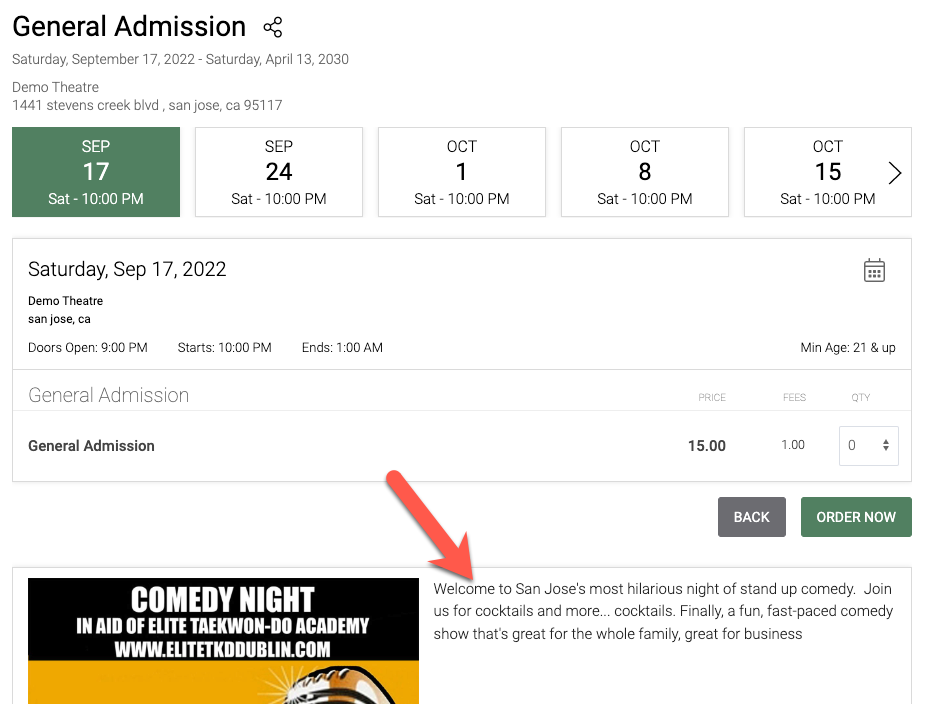
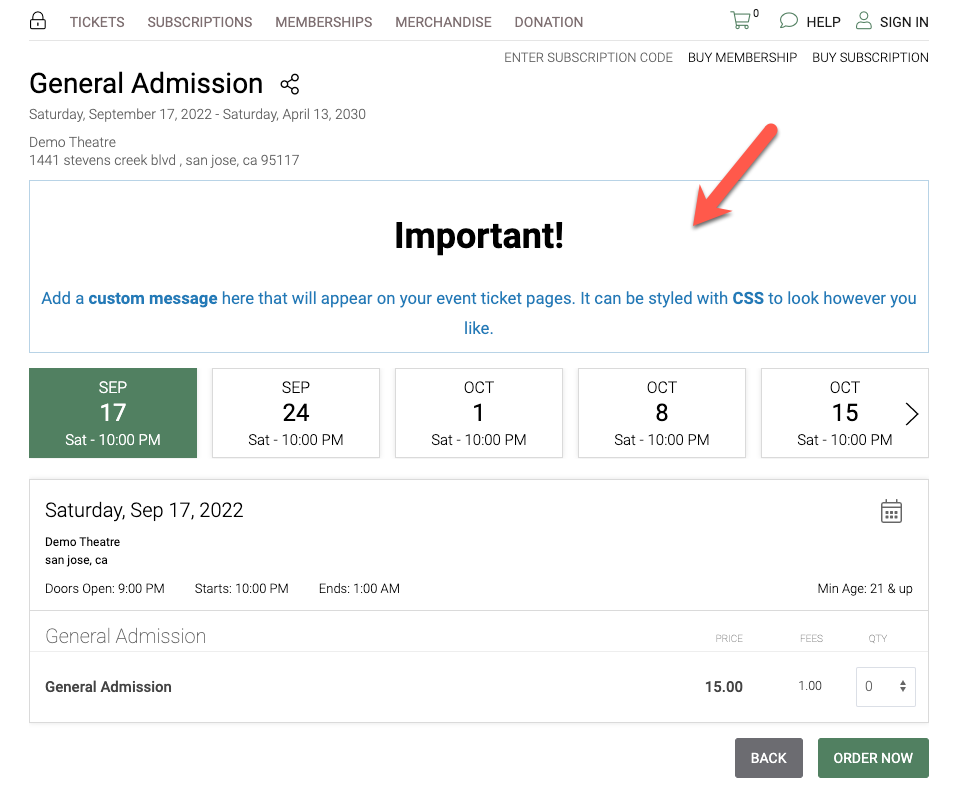
Promo Banner
Add an optional message on the event page where patrons buy tickets.
Related Helpdoc: Event Promo Banner
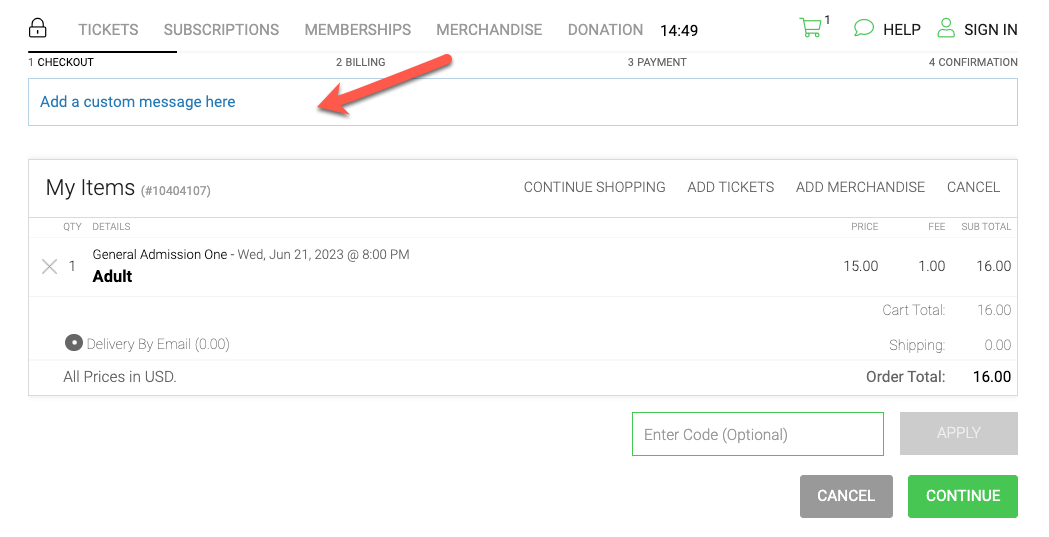
Checkout Cart Message - displays on the cart page after items are added to the cart.
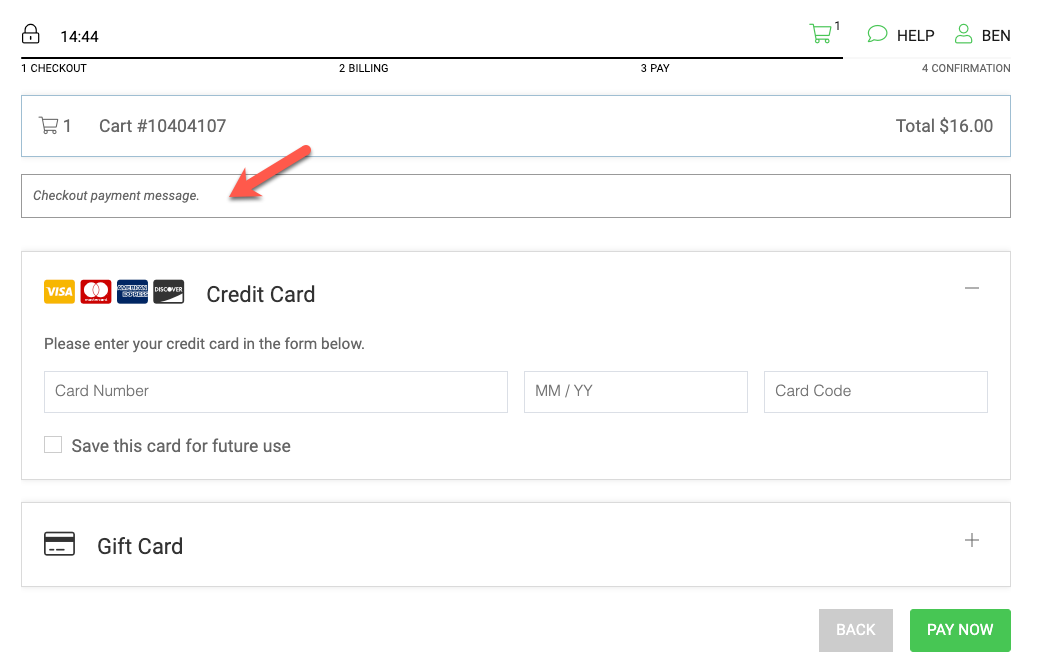
Checkout Payment Message - displays on the payment screen before payment.
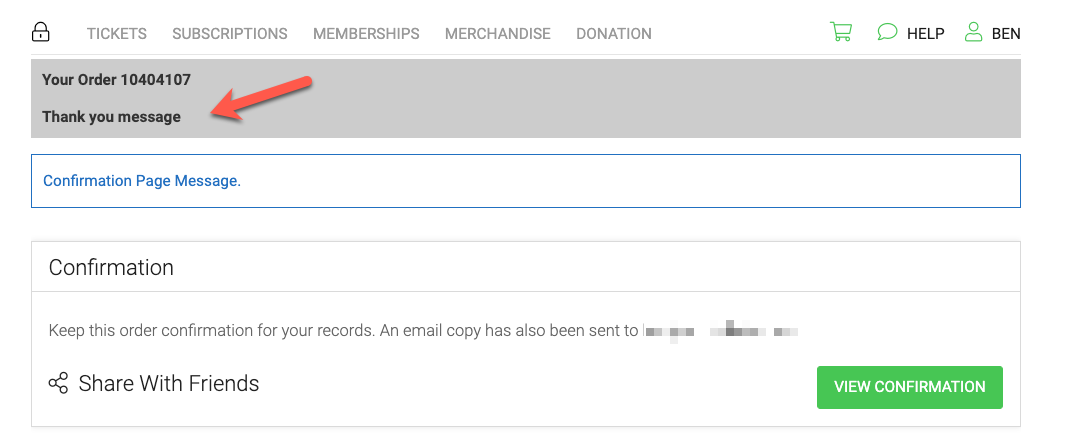
Thank You Message - Displays in a highligted box at the top of the confimration page. Overrides the default "Thank You! Confirmation #000000 message.
If overriden, the text will read "Your Order 0000000" followed by your custom message.
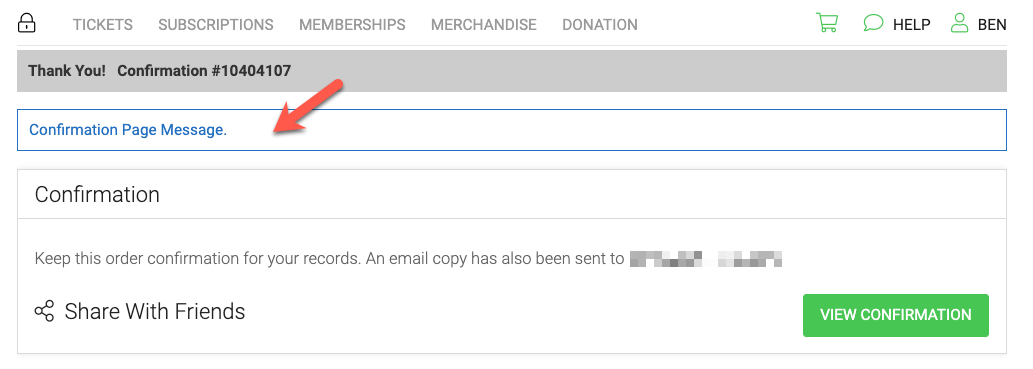
Confirmation Page Message
Displays below the thank you message in an outlined box on the confirmation page.
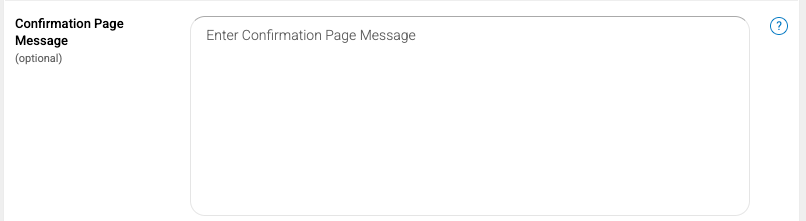
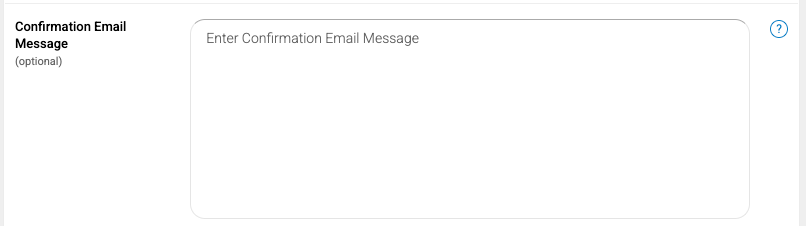
This is edited under EVENT INFO on the event, scroll to the bottom of the page in the MORE area.
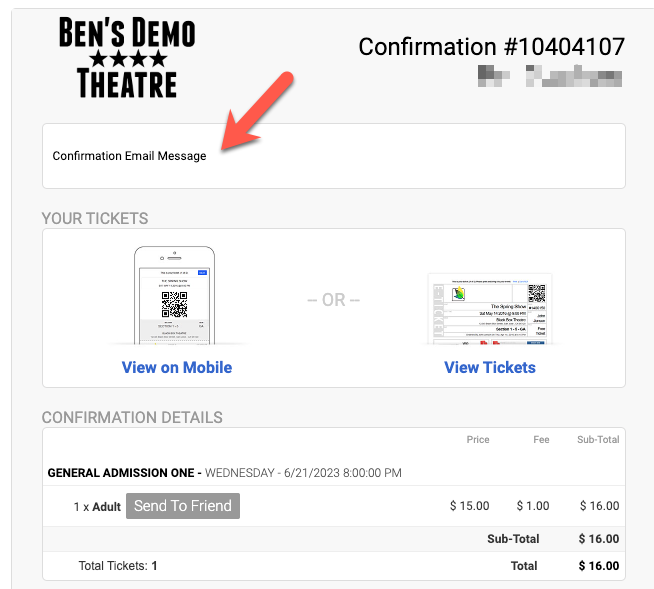
Confirmation Email Message - Displays on top of the emailed order confirmation.
If multiple events are in the order and events are using overrides, NO message will display.
This is edited under EVENT INFO on the event, scroll to the bottom of the page in the MORE area.
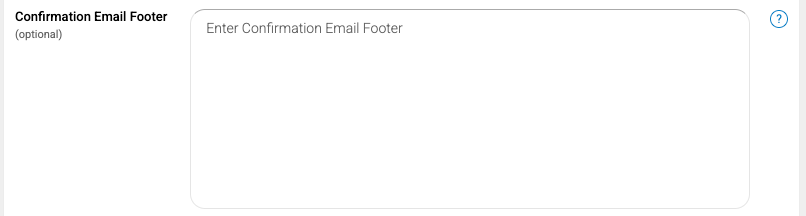
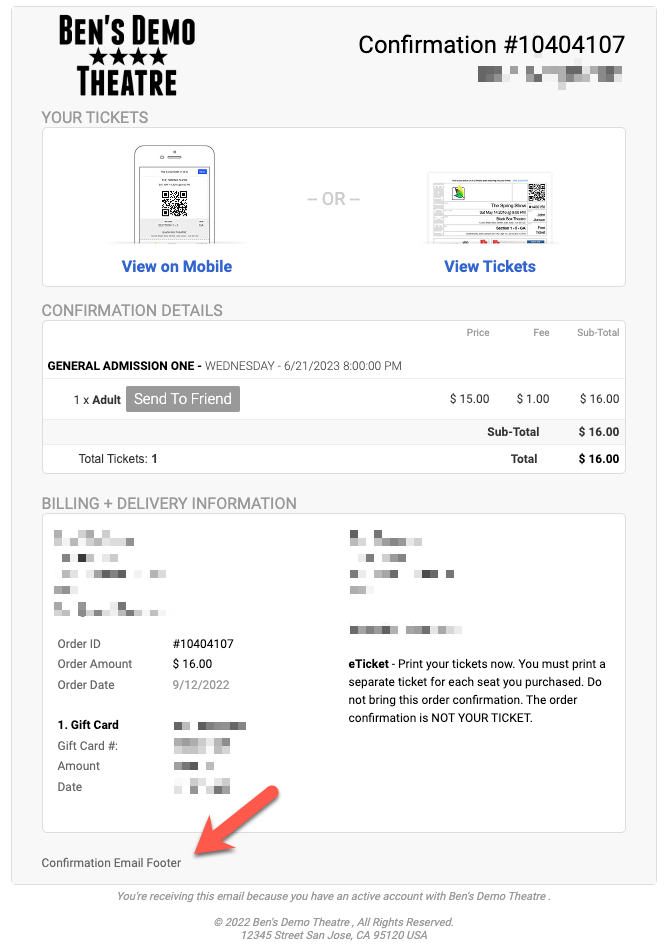
Confirmation Email Footer
Adds a custom footer message the order confirmation.
This is edited under EVENT INFO on the event, scroll to the bottom of the page in the MORE area.