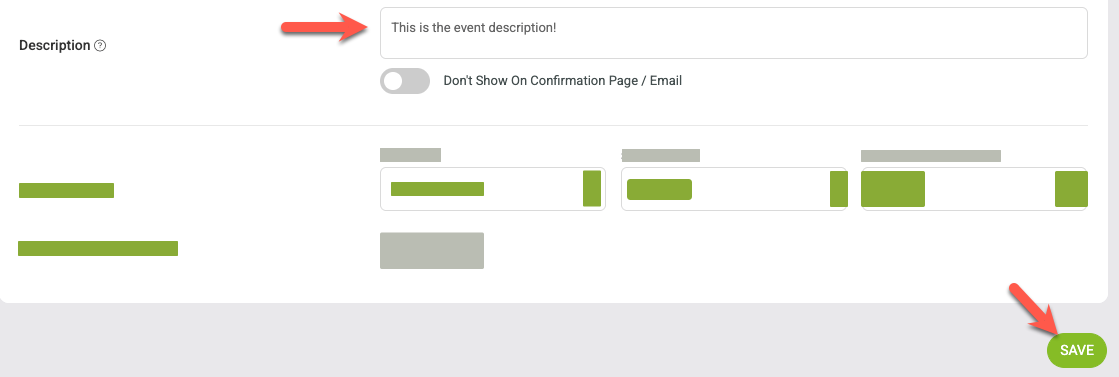
Edit an event name / description
Follow the steps below to update the event name or description for any of your events.
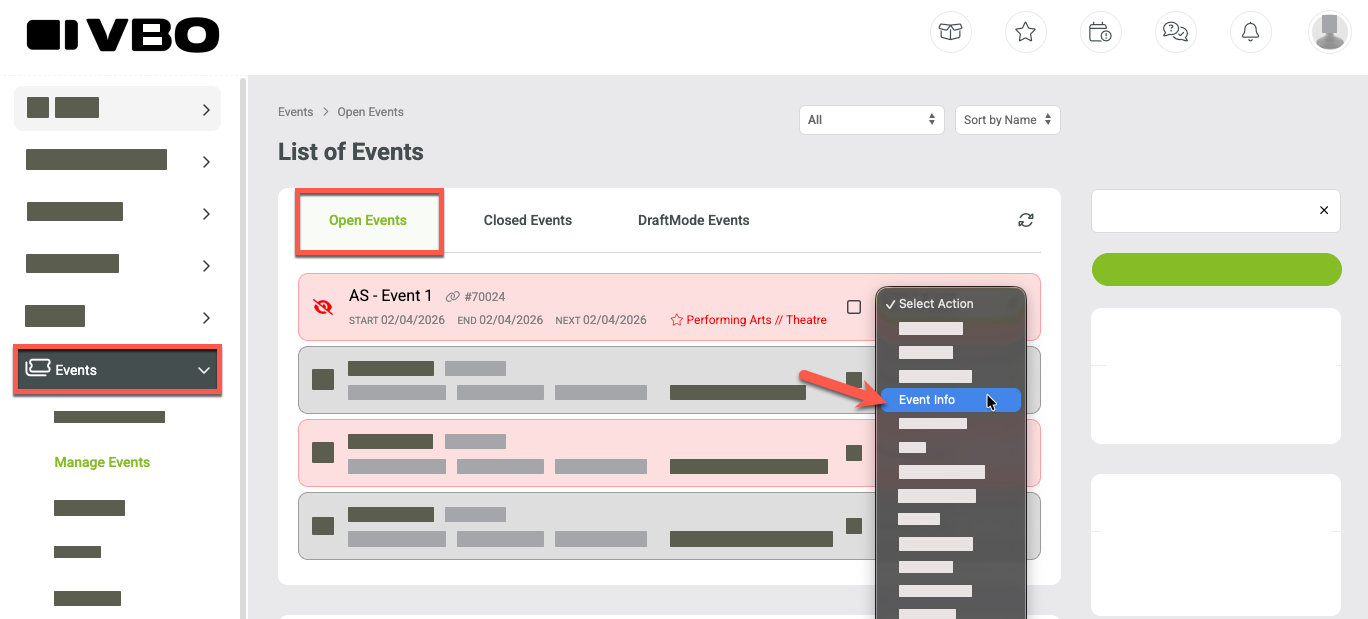
Navigate to the Events tab on left side navigation.
Select Manage Events
Confirm you're in Open Events view.
Select Event Info from the dropdown options on the event.
Both the Event Name and the Event Description are under the Event Details menu
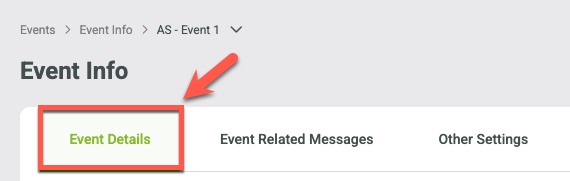
To edit the event name
Enter a new event name in the Event Name field.
Important: click the "overwrite event date names" slider to update all event date names to the new naming structure. Leaving this unchecked will keep any event date name overrides or make the old event name the event date name overwrite if none were applied.

To edit the event description
Update or edit the Event Description field
Click SAVE before leaving the page to ensure all updates are applied.