Deleting Events
How to Delete an Event
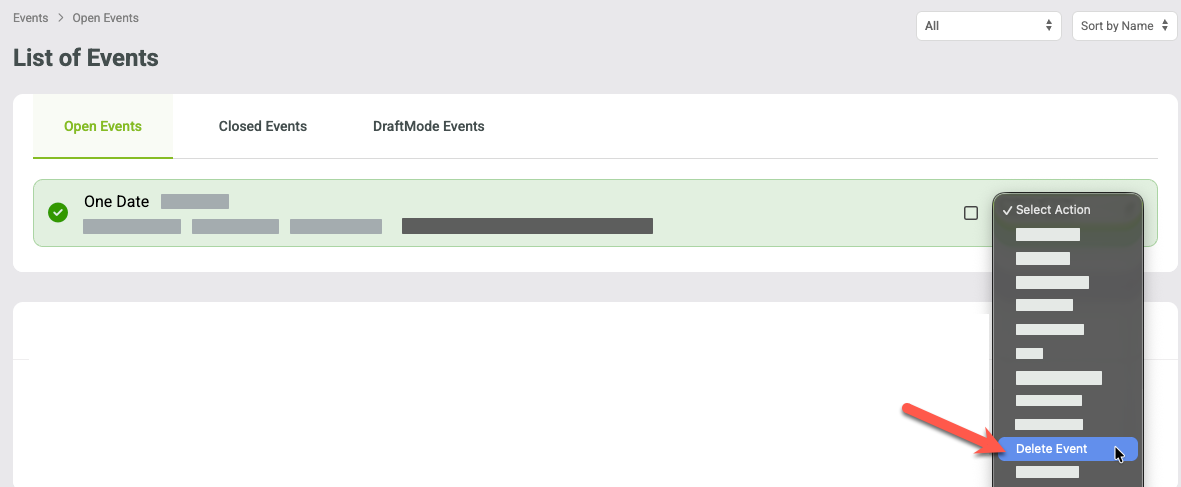
To delete an event, go to Events > Manage Events > Select Open or Closed Events.
Use the Select Action drop-down menu next to the event you want to delete, and choose Delete.
Only account admins can delete events.
An event can only be deleted if it has no sales history or transactions.
If the event has any sales or the user is not an admin, the Delete option will not appear in the drop-down menu.