How to re-open an event
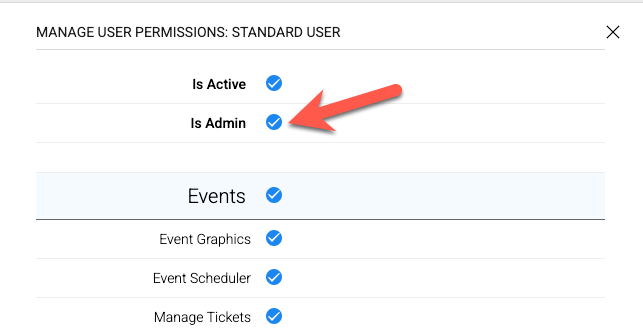
Note: Only Admin Users have permission to re-open closed events.
This permission can be updated under SET UP > ORGANIZATION > USERS.
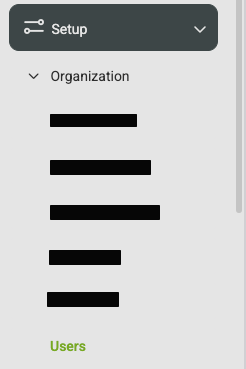
Click on the user profile you want to grant access to, and set their access level to Admin.
To re-open a closed event:
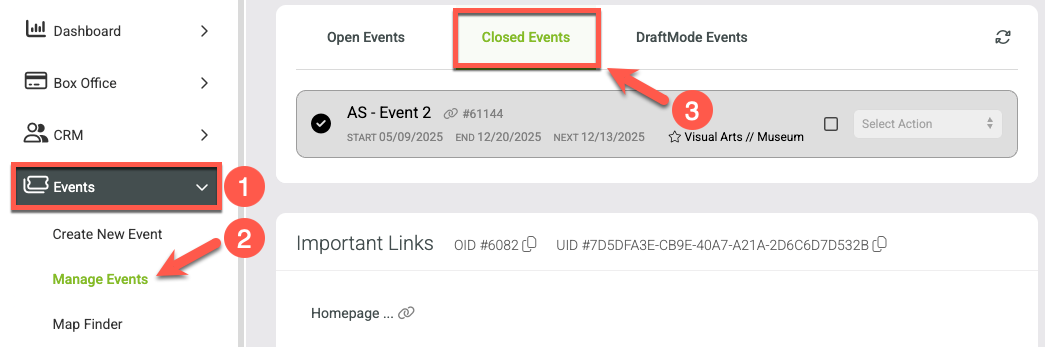
Go to Events in the main menu.
Click Manage Events
Click on Closed Events.
Find the event you want to re-open.
Use the Select Action drop-down menu next to the event and choose Re-Open.
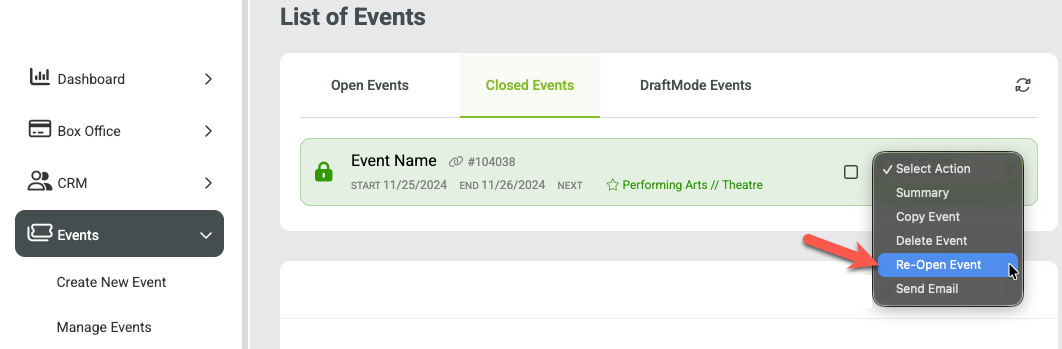
Once re-opened, the event will appear again under your Open Events list and new dates can be added or edited.