How to set up a membership
This video will demo:
- Creating the membership in the setup area
- Applying valid membership to events and tickets
- Adding membership price to ticket types
- Overriding the number of membership tickets allowed on an event by event basis
- Selling a membership in the box office
Click here to learn how to redeem a membership
Primary Membership
The same membership code is used when a patron renews.
Renewing or purchasing a primary membership extends the membership expiration date.
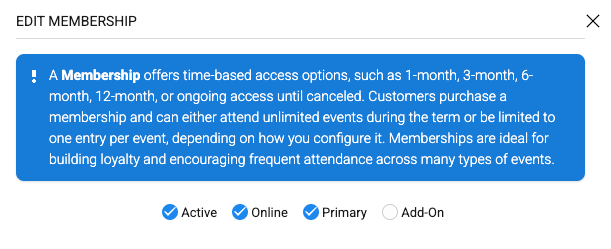
Non-Primary Membership
A new membership code is generated each time a patron purchases one.
The membership expiration date is not extended.
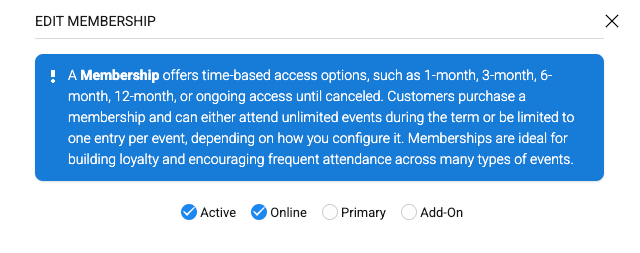
NOTE: The auto load membership setting under SET UP > SUBSCRIPTIONS > SUBSCRIPTION SETTINGS will only validate against primary memberships.

Membership Validation Types:
- By Event (member gets x tickets per event)
- By Event Date (member gets x tickets per event date)
- By Season (member gets x tickets per season -*see below for special instructions below if using this validation type*
Here is how the validation works when a membership is set to BY SEASON:
- When set to by season, and no season is available - the default validation date is Jan 1 - Dec. 31st
- If there is an active season - and the membership is sold within the season time frame, it will use that season (closest season sorted by event date start).
- If there are several seasons set up - validation uses the first season found (sorted from oldest season to newest season within the time frame of the sold membership).
How do monthly memberships work?
When someone purchases a monthly membership, it runs through the end of the following month, rather than expiring on the same day of the next month. For example, if a membership is purchased on 2/1/00, it will expire on 3/31/00. Likewise, if it’s purchased on 2/25/00, it will still expire on 3/31/00