Merging Accounts in CRM
Step 1
Go to the account you no longer want. Press the "merge accounts" arrow button at the top of the screen.
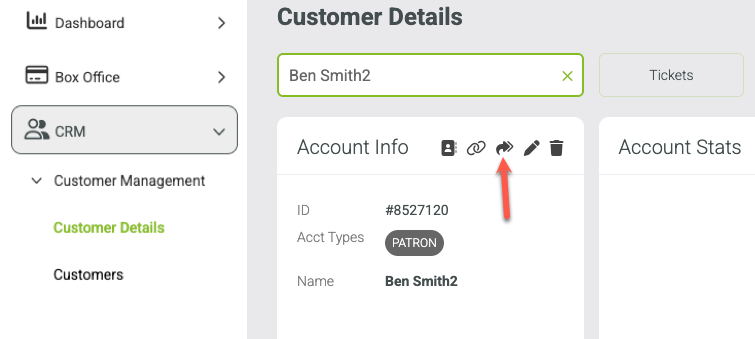
Step 2
Type in the account you want to merge INTO (the target account).
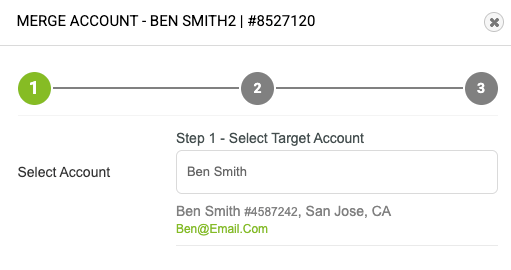
Step 3
Select the account and Press "merge accounts"
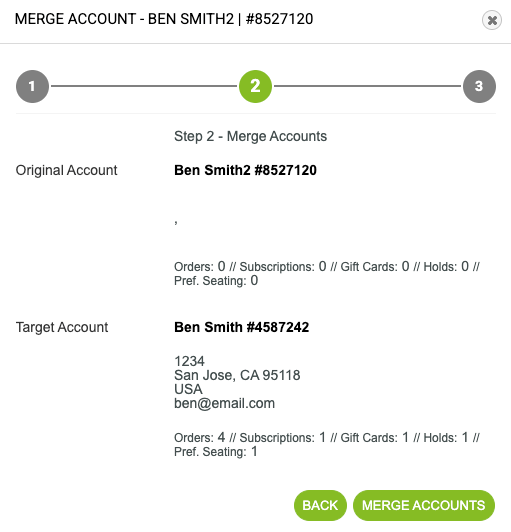
After merging the account, press Done

Step 4
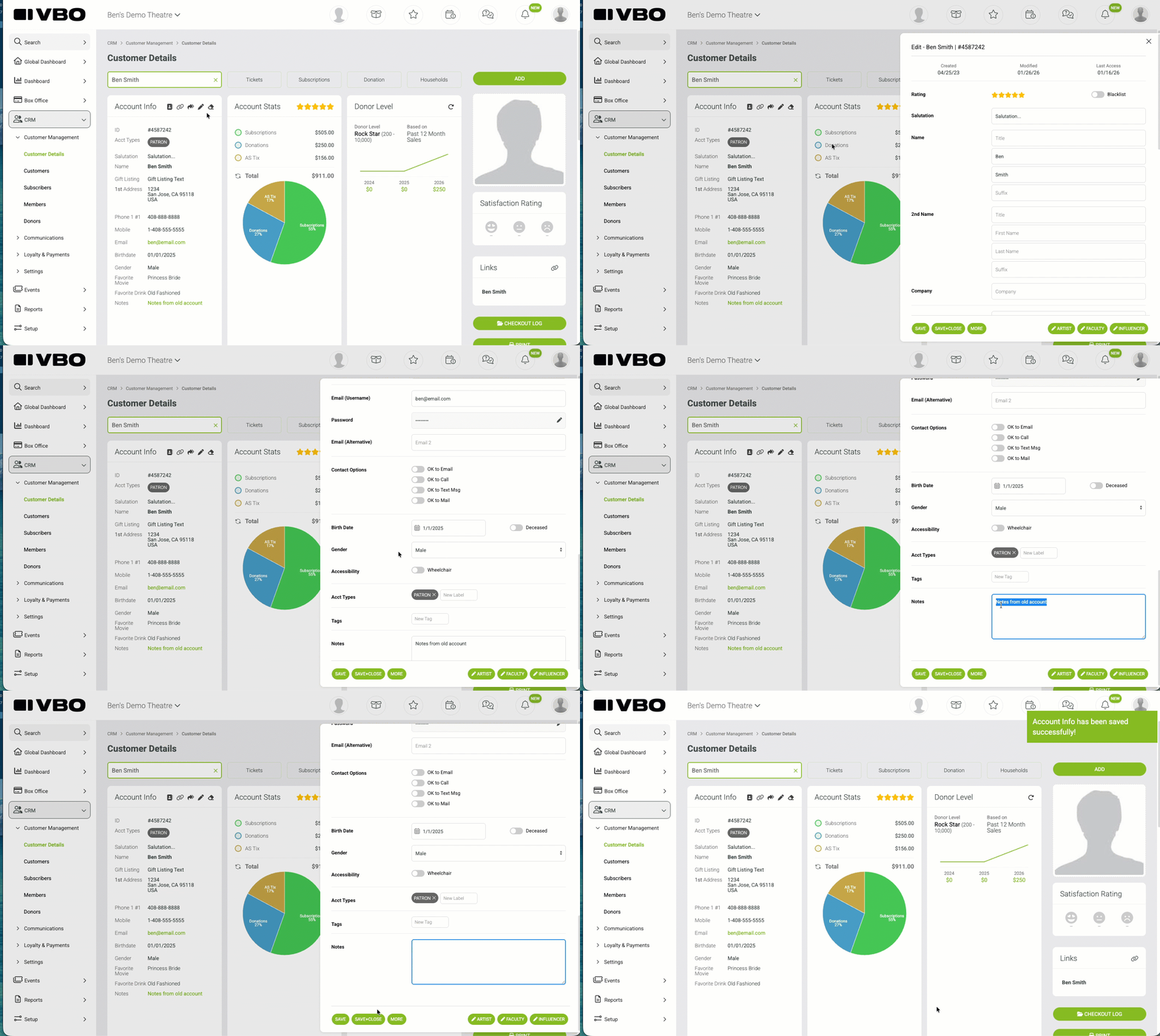
Review "Notes" and remove any unwanted info. Info from the previous account will be displayed in the notes area. You can remove any unwanted data by clicking the pencil and editing the "notes" area on the bottom.