Email Signup Segments
This help doc will go over how to set up email segments so your patrons can sign up for different mailing lists.
First, you should review this help doc to enable your email signup and configure your settings.
Add Email Segments
Navigate to Events > Events Settings > Email Signup Settings
Click the + button under Email Signup Types
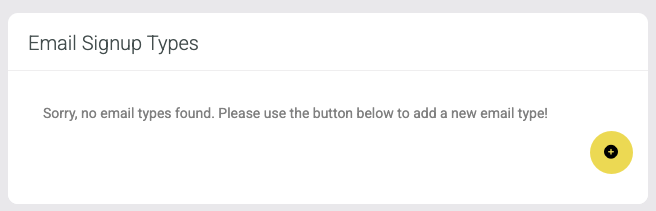
Type in the segment name and click Add Type

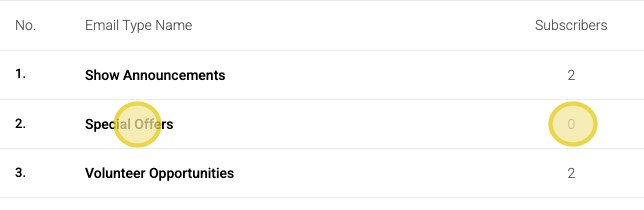
Your new segment will be added to the list. You can also see the number of subscribers for each segment
Signup Locations
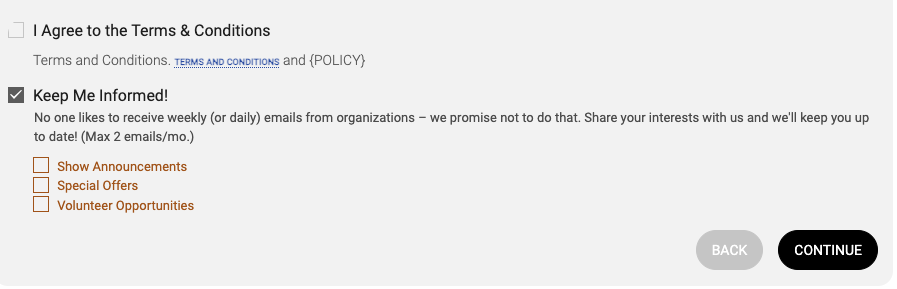
Patrons can sign up for email segments on the billing info page during the checkout process.
Users can add patrons to email segments during box office transactions
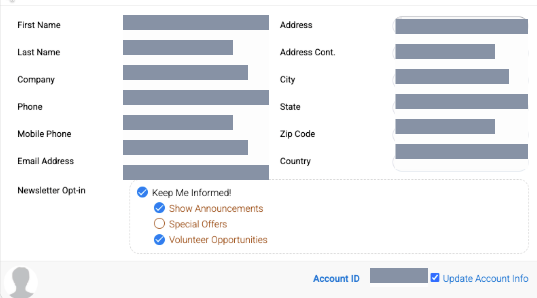
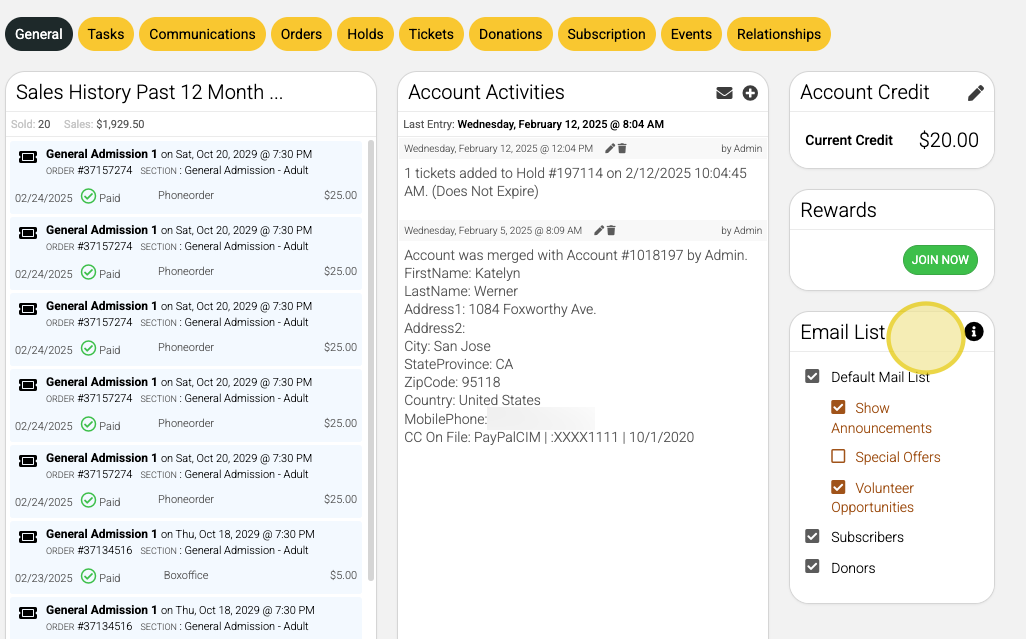
Users can add patrons to email segments in the patron's CRM profile under the General tab
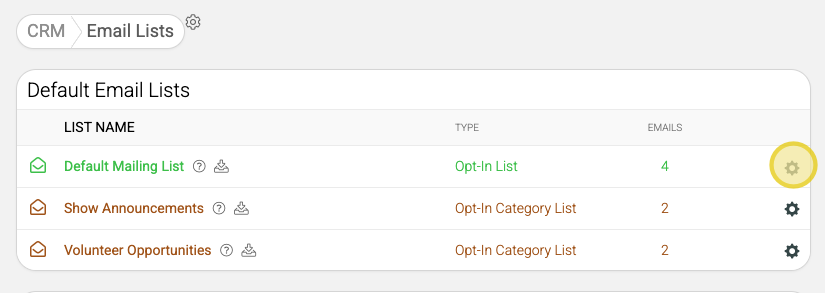
Find and Use Email Lists
Navigate to CRM > Communications > Email Lists
Default mailing list and segments are listed at the top of the page
Click the manage gear to view, export or sync your list with your MailChimp or Constant Contact