Import Tags by Email Address
This guide outlines the process for importing account tags into patron profiles using their email address. Once imported, these tags can be used for reporting purposes and to enable the tag-based ticketing feature.
Note: Email addresses must be in the system prior to tag import
Navigate to CRM > Settings > Account Tags
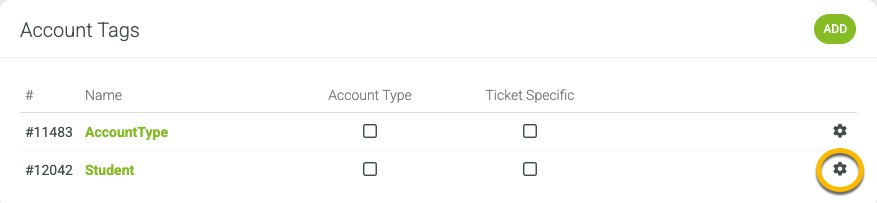
Click the Manage Gear on the tag that you want to use
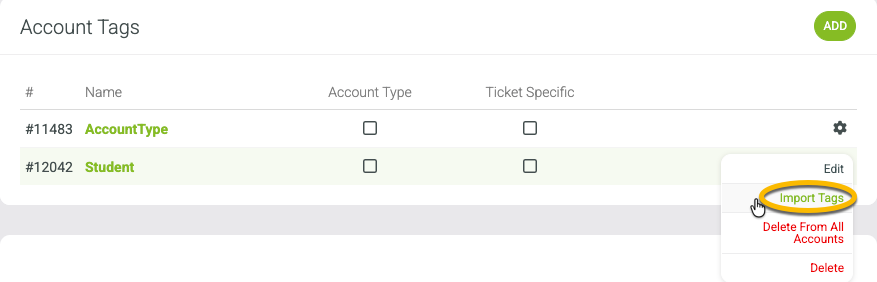
Click "Import Tags"
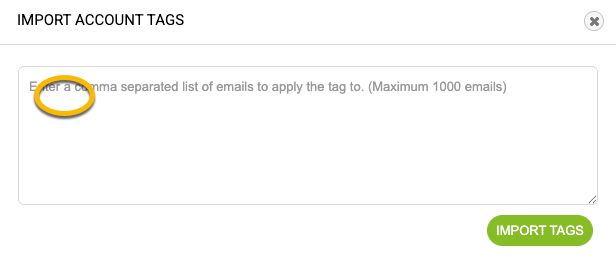
Paste comma separated email list
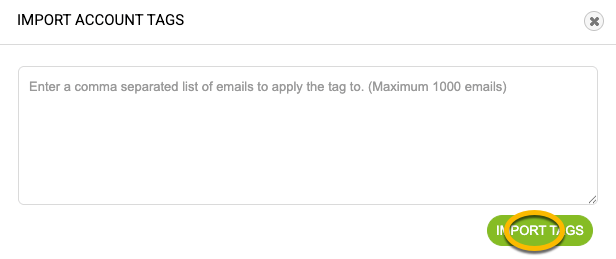
Click "Import Tags"