Exclusion Reporting
The Custom Patron Report allows you to build targeted patron lists by combining both inclusion and exclusion filters. You can choose which data fields to display in the report, apply filters to identify matching patrons, and exclude patrons based on additional criteria such as event attendance, donor levels, transactions, memberships, and more.
This reporting tool is useful for creating focused outreach and marketing lists, identifying specific patron segments, and removing groups that should not be included in a report or campaign. For example, you can generate a list of patrons who donated during a specific date range while excluding patrons who already attended a certain event or belong to a specific donor level.
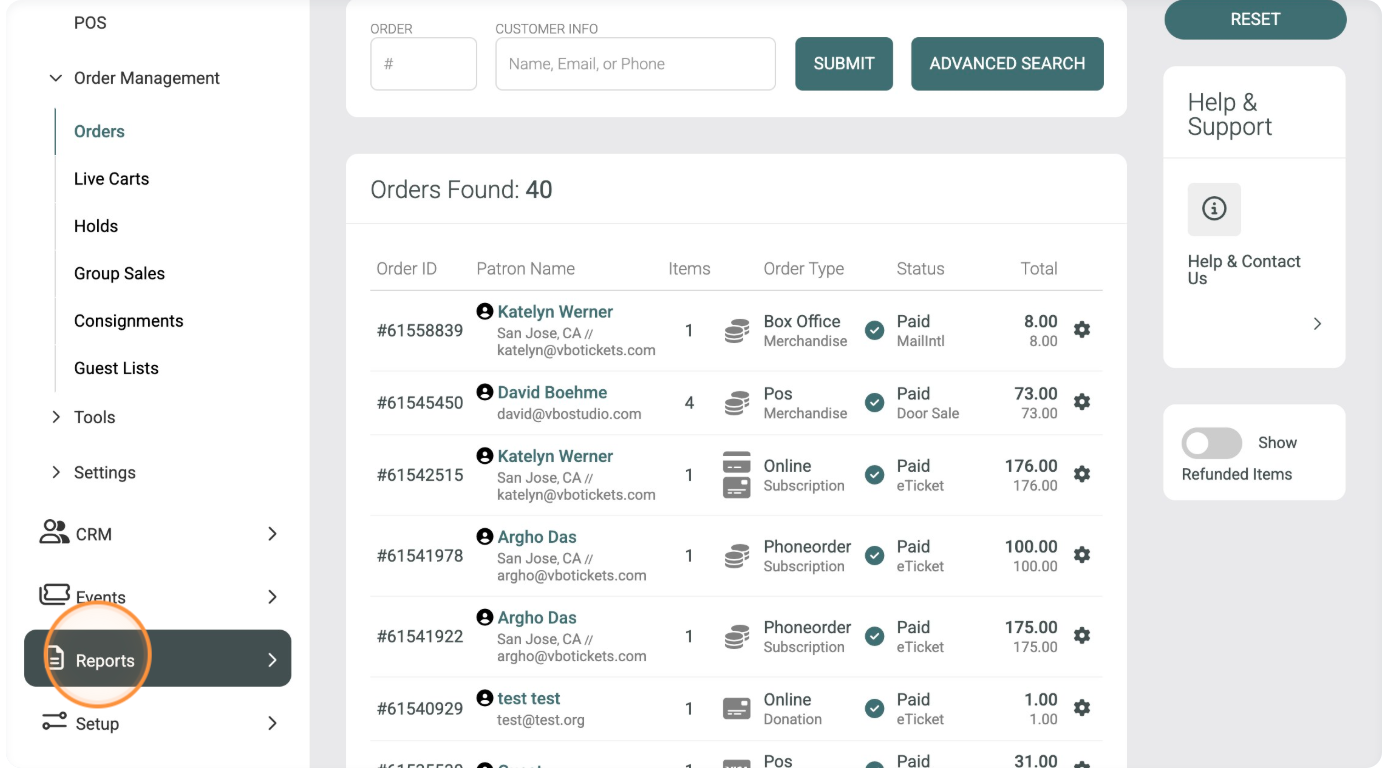
Click "Create Reports"
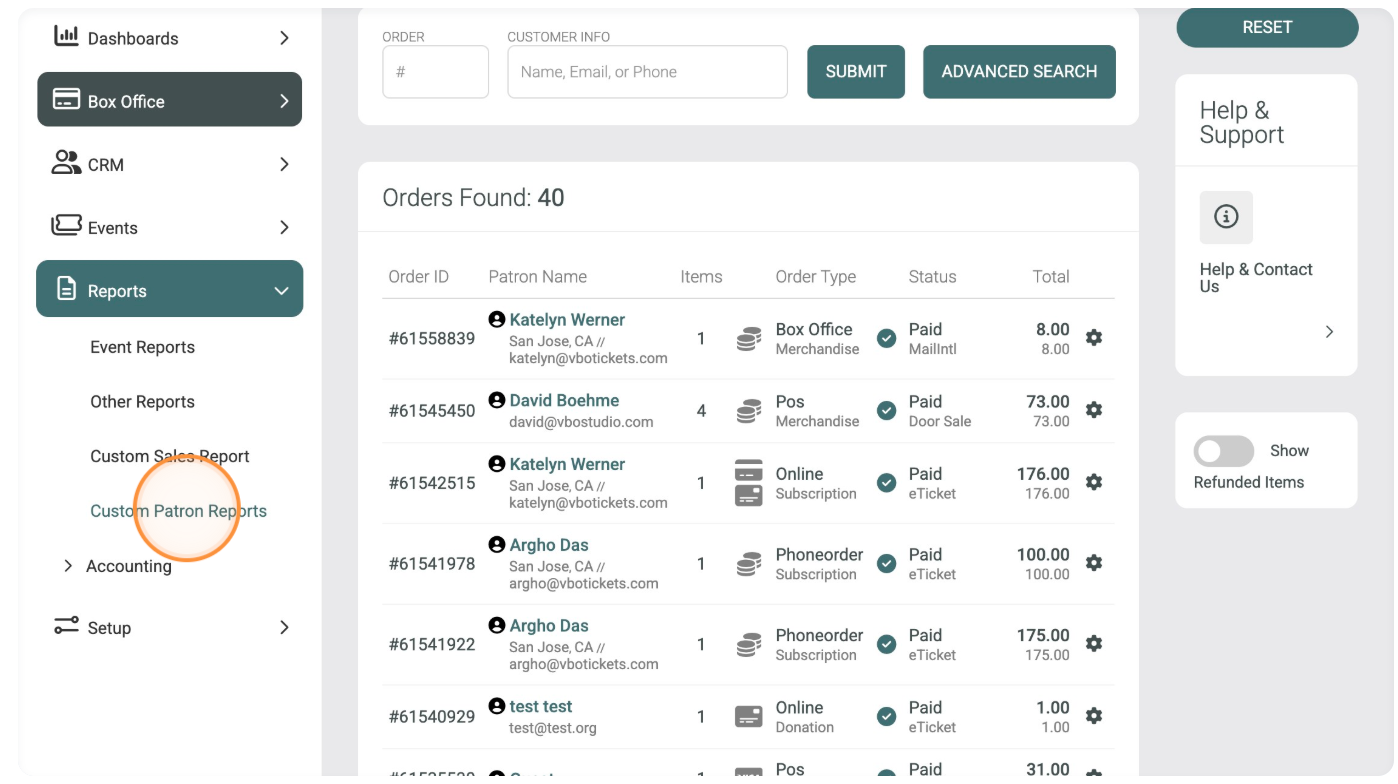
Click "Custom Patron Reports"
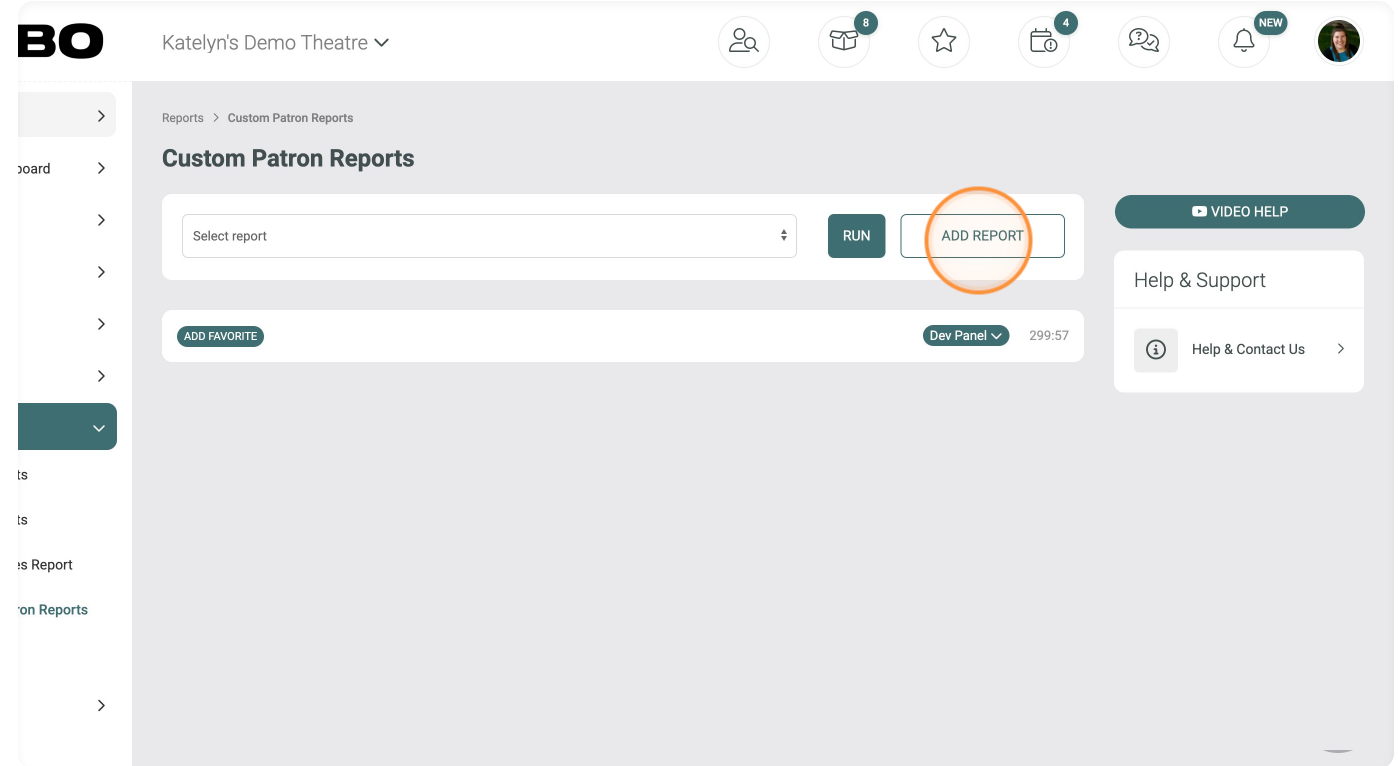
Click "Add Report"
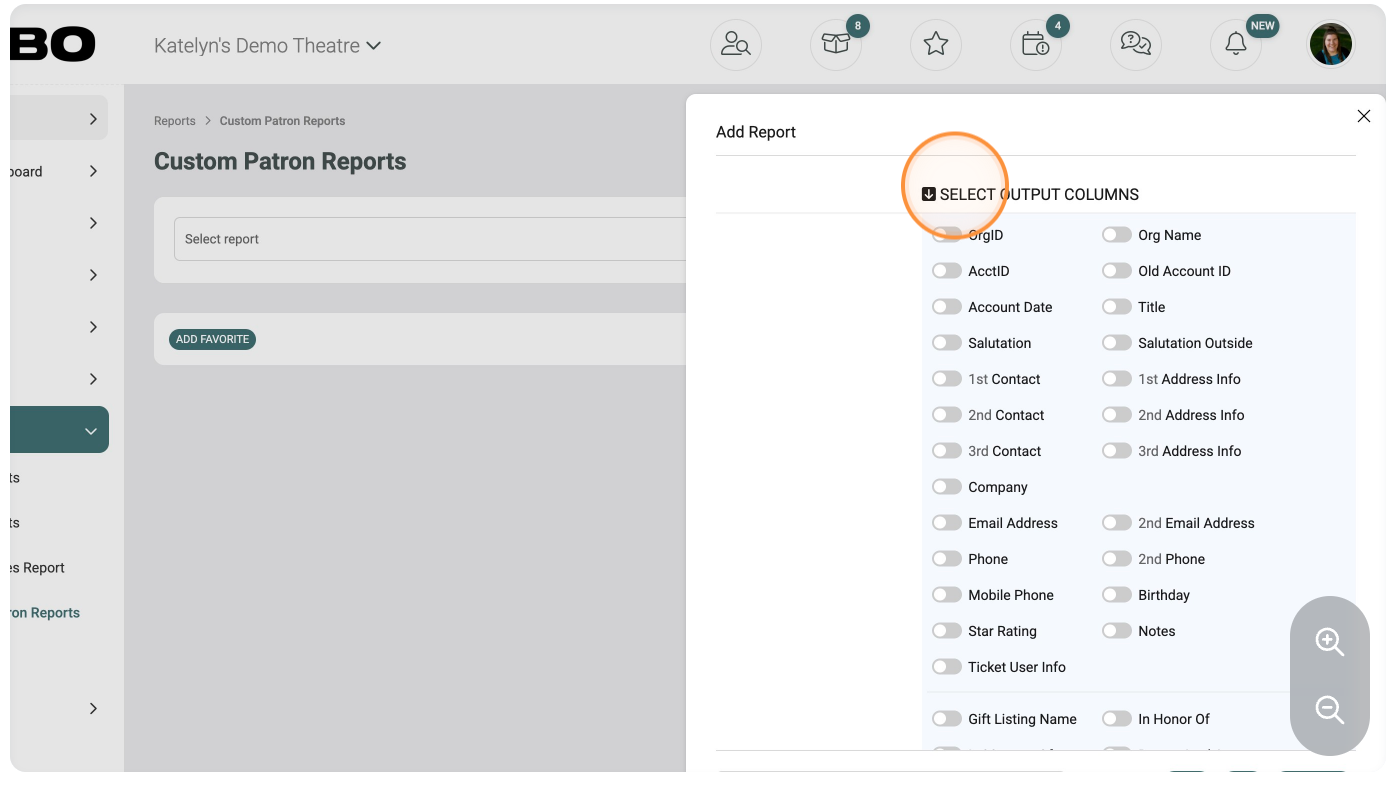
Choose outputs for report
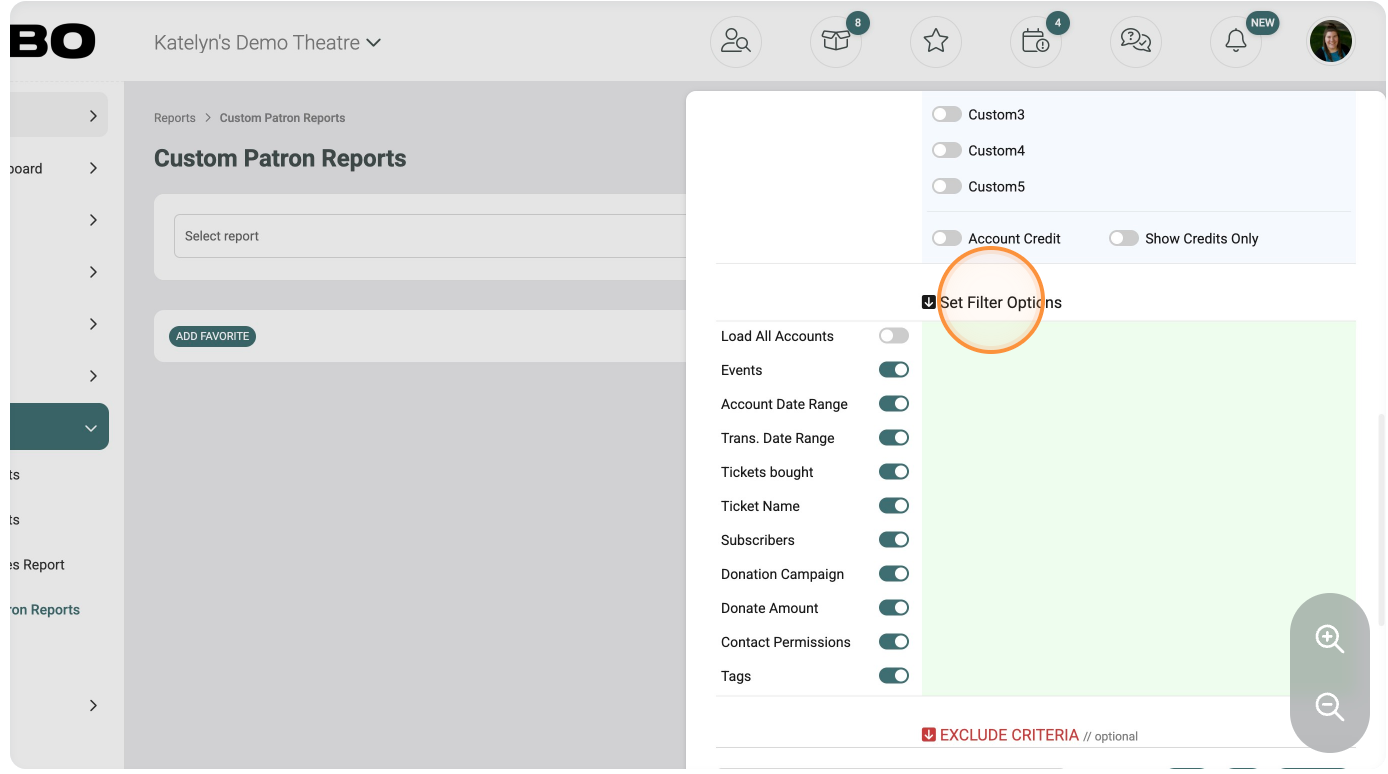
Select filters for report
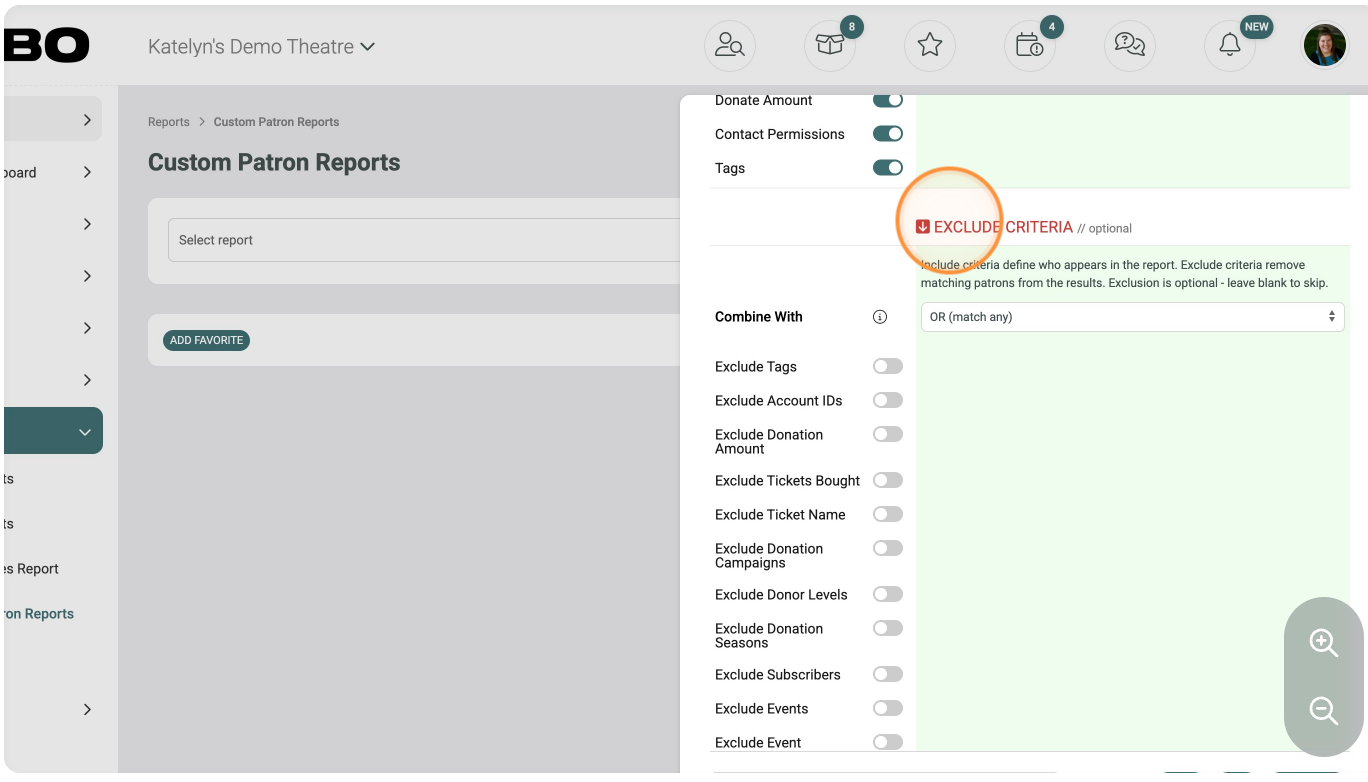
Choose criteria to exclude
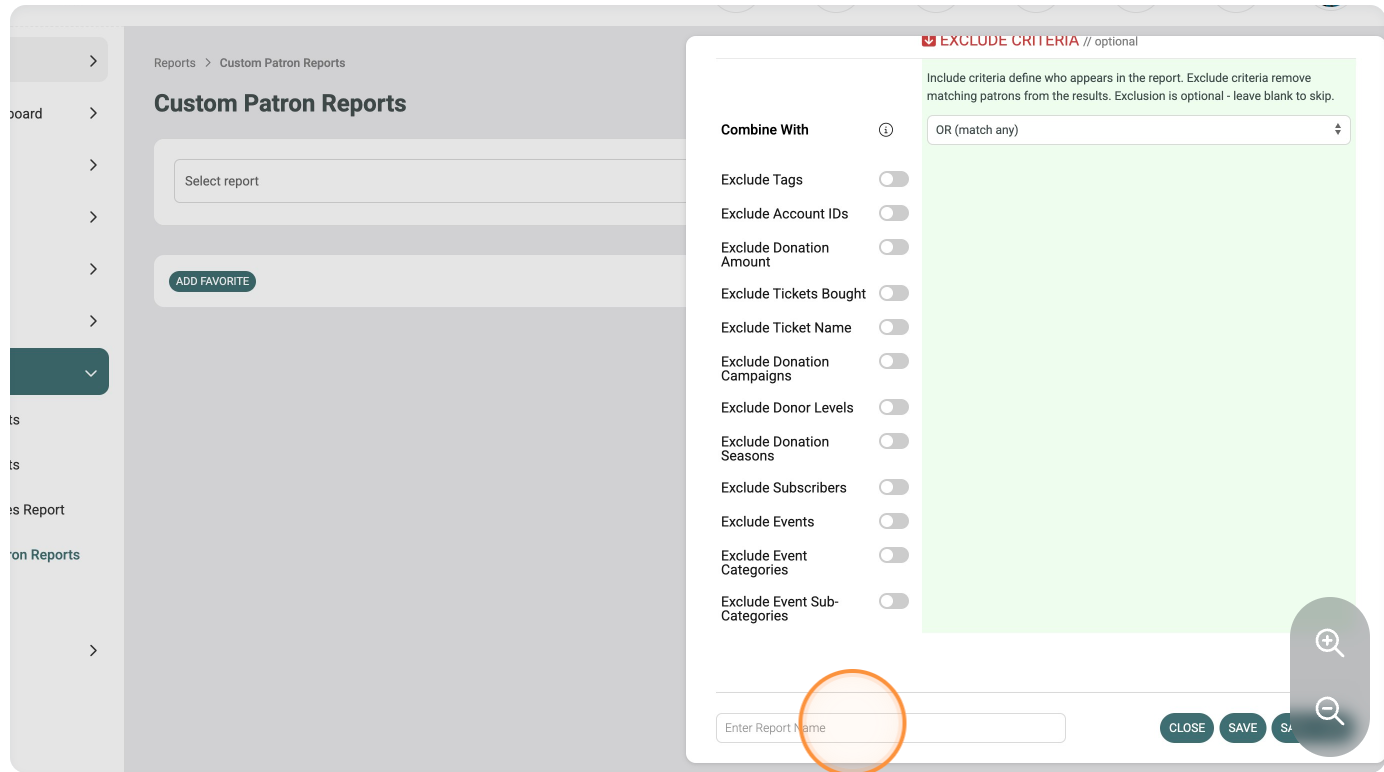
Name the report
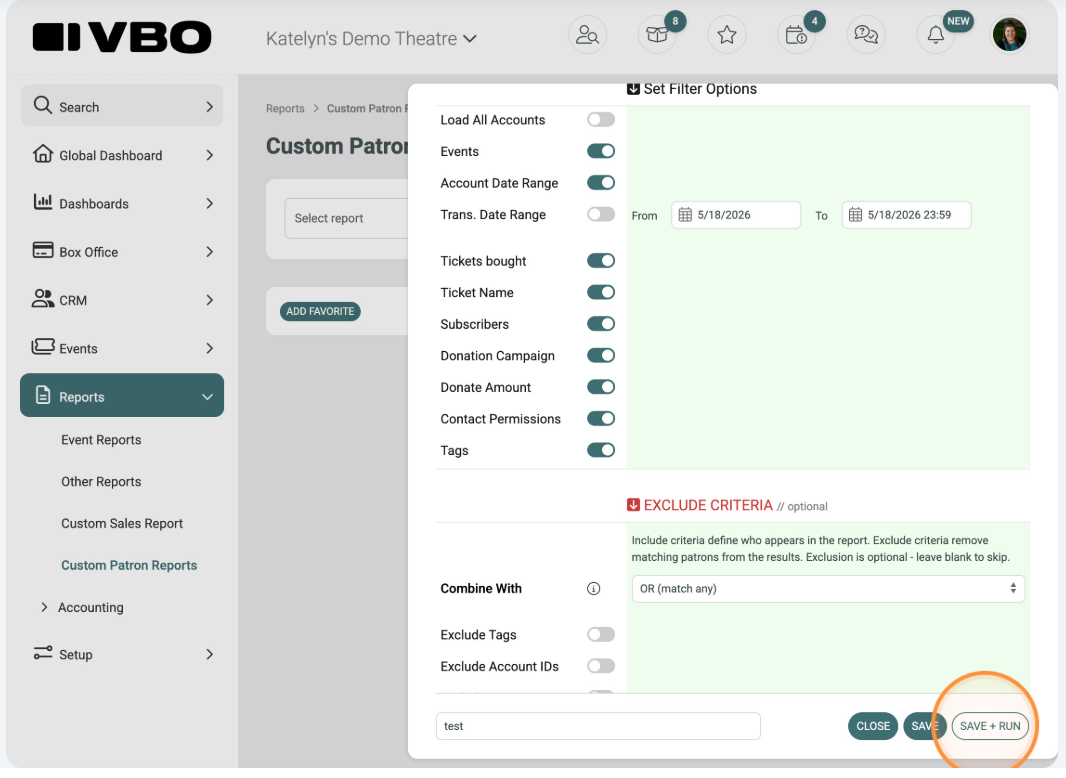
Click SAVE + RUN