Resend Order Confirmations for an Event
The Resend Order Confirmations feature allows you to resend confirmation emails to multiple patrons at once. You can send confirmations to all patrons attending an event or limit the resend to a specific event date. This is useful if confirmation emails were not received, event details have changed, or you need to send confirmations again before an event.
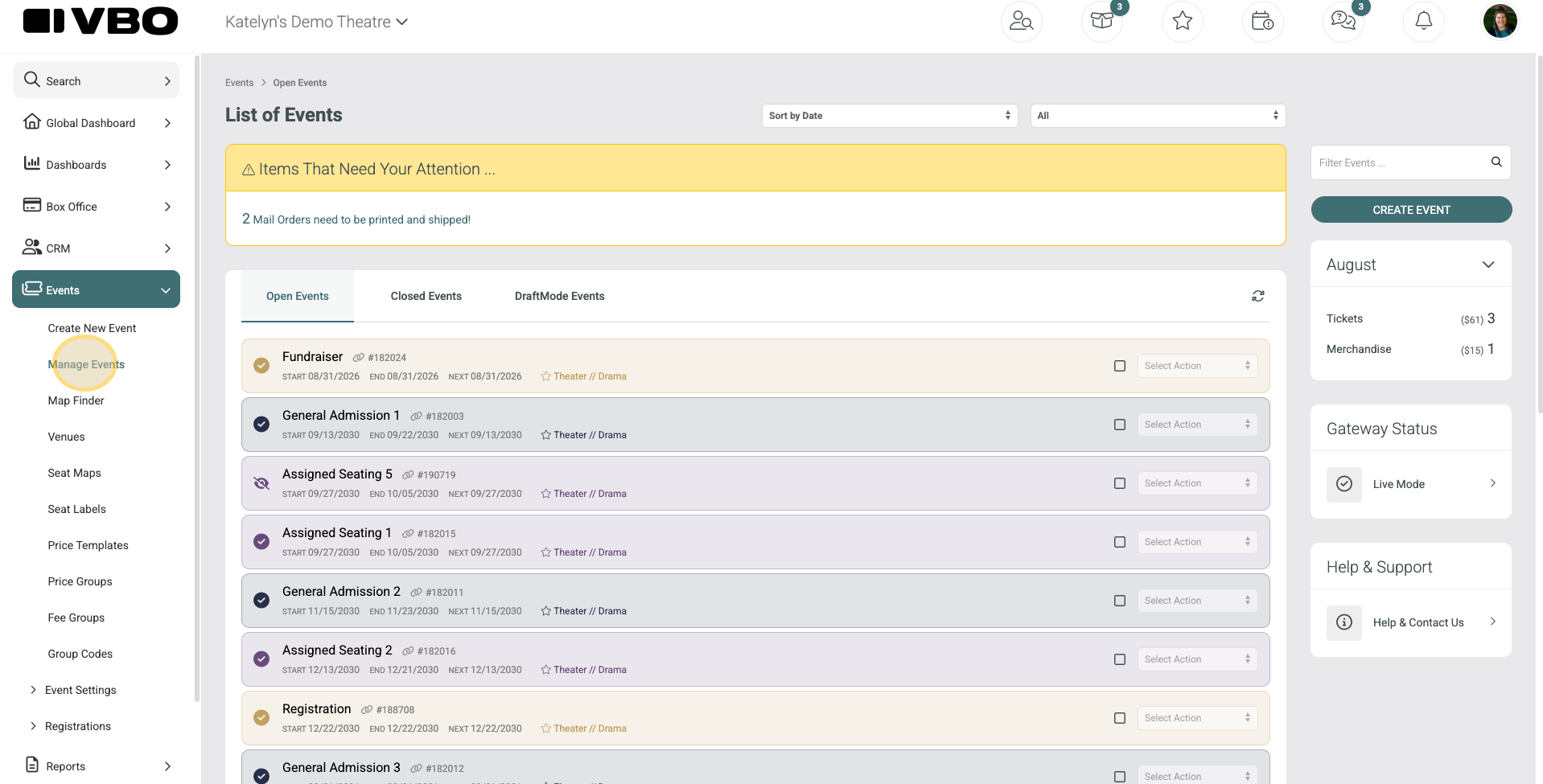
Navigate to Events > Manage Event
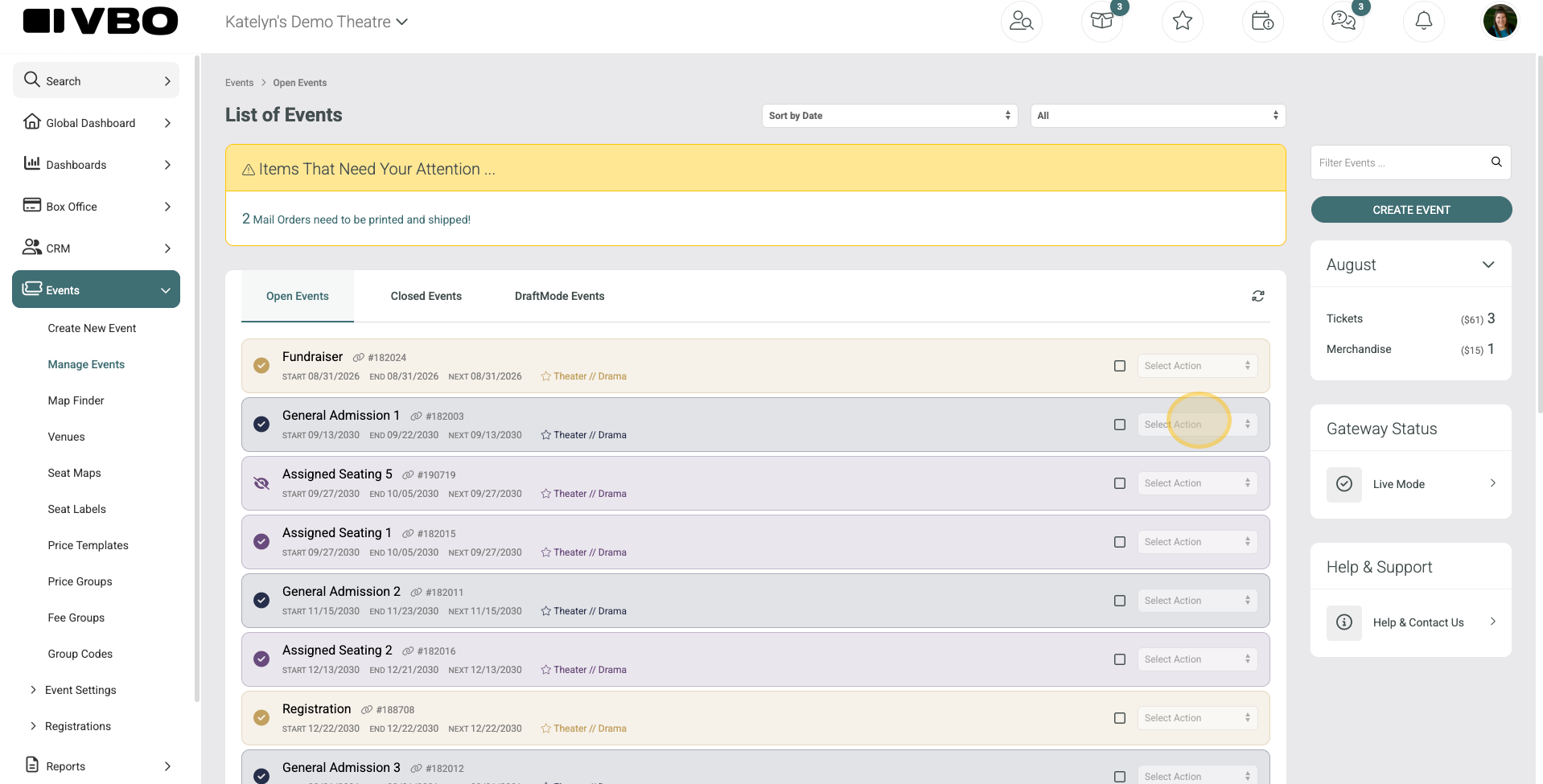
Click Select Action on the event you'd like to send confirmations for
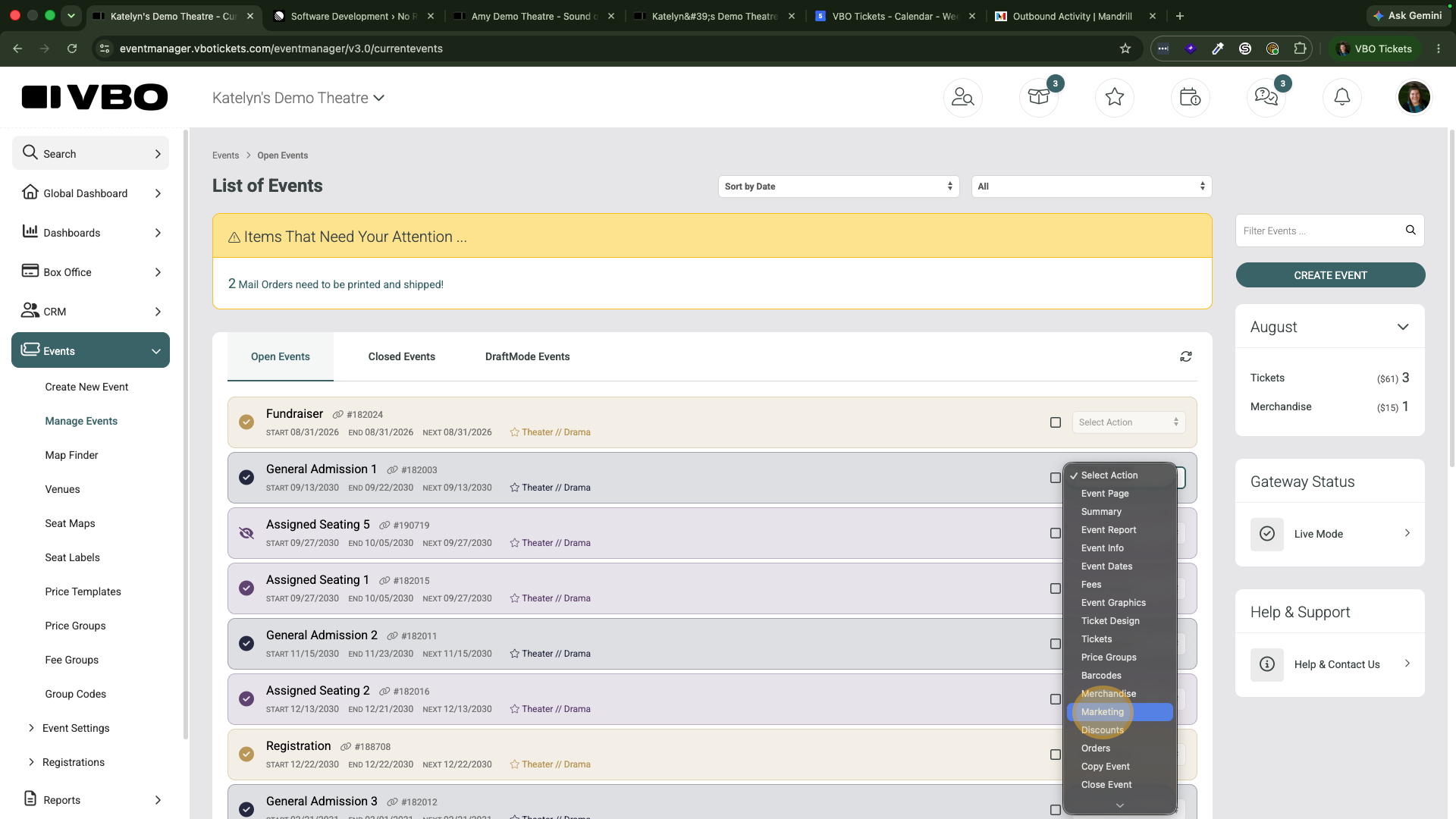
Select Marketing
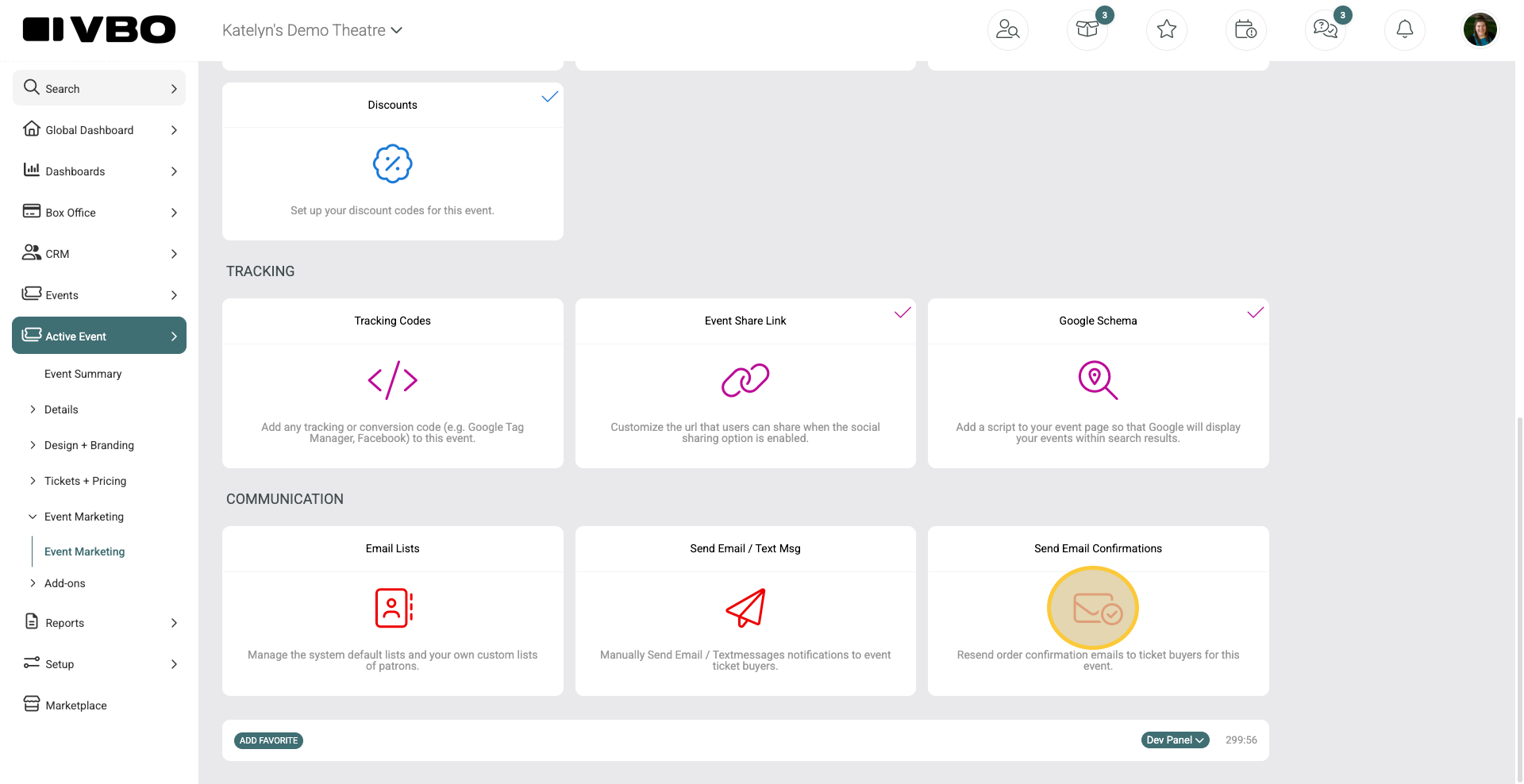
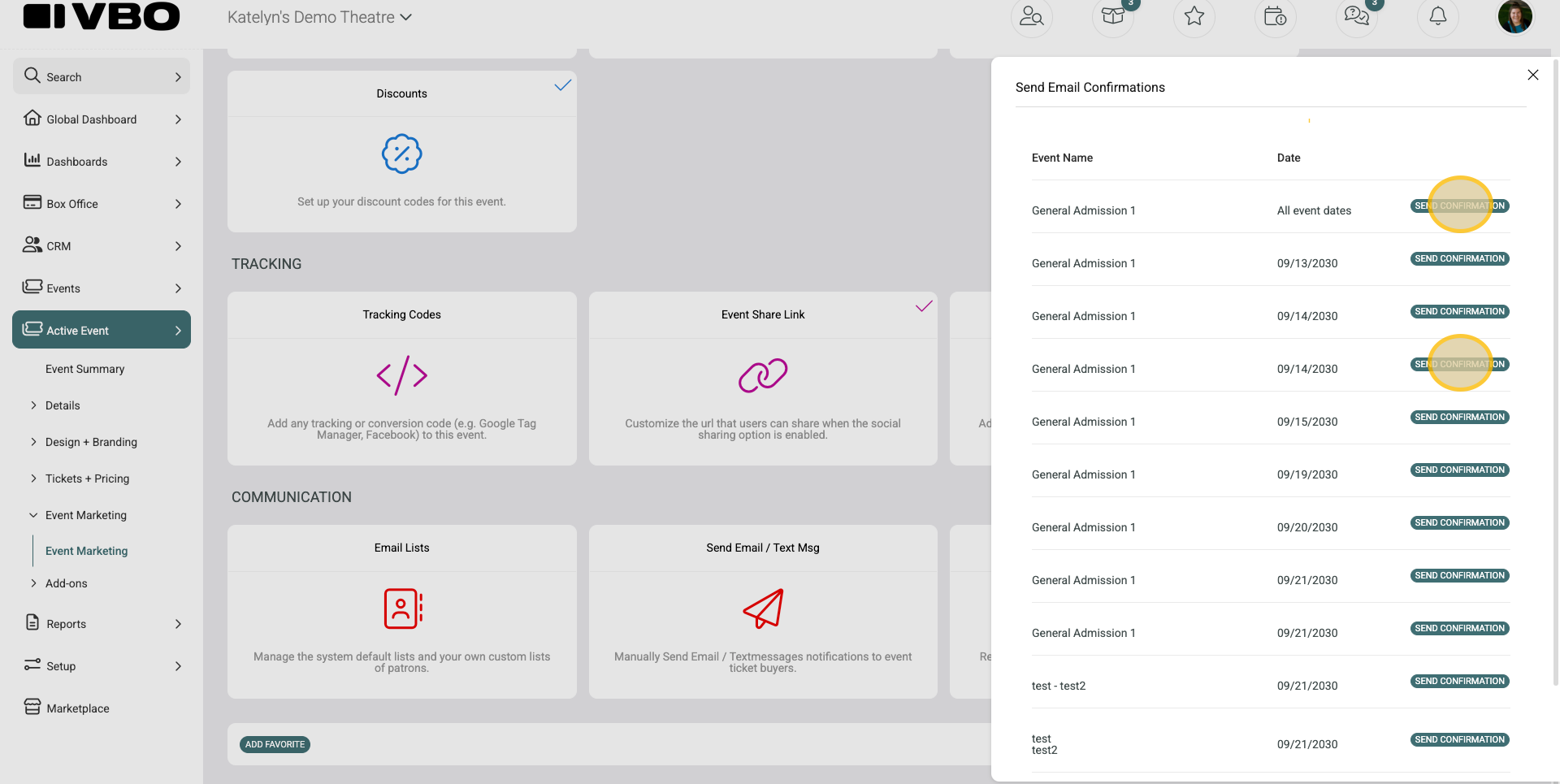
Click Send Email Confirmations
Choose whether to resend order confirmations to all attendees for the event or only those attending a specific event date
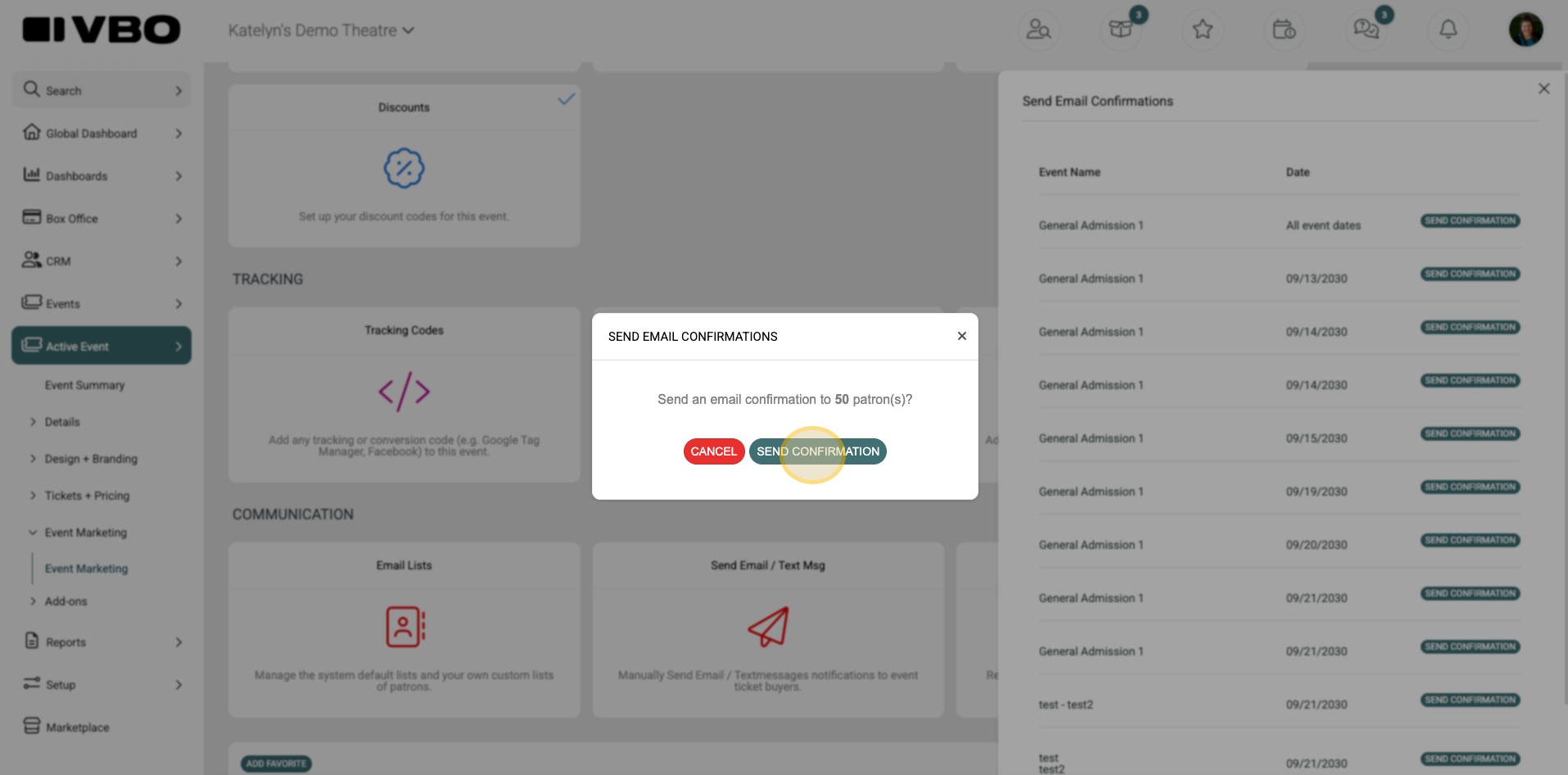
Click Send Confirmation