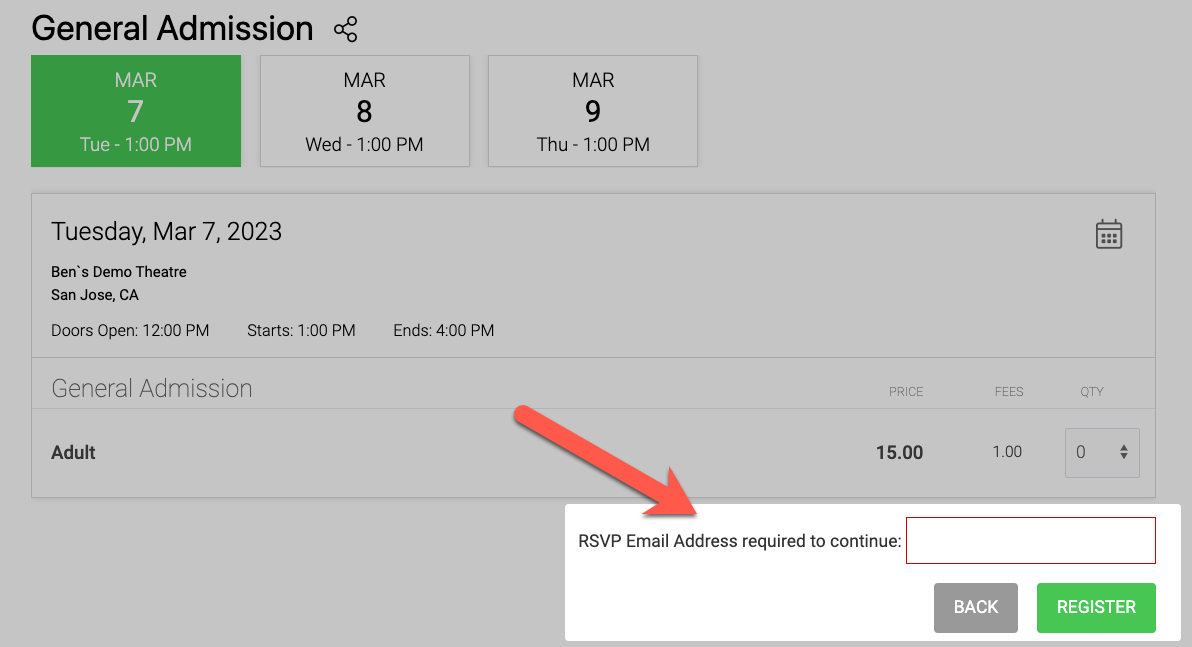
Enforce RSVP
With the enforce RSVP setting enabled - only a select group of emails (your RSVP list) can unlock tickets.
It's simple to do!
Step 1: Upload the email list under CRM > COMMUNICATIONS > EMAIL LISTS
Step 2: Turn on the "enforce RSVP" setting on the event.
Step 3: Set your ticket limits
Watch the video below for a demo of this feature.